Claude Code: Your AI Terminal Co-Pilot
Claude Code lives in your terminal and understands your entire codebase. Unlike chat-based AI, it can read files, run commands, make multi-file edits, and iterate toward a goal autonomously — which means you describe the outcome and it handles the implementation.
 Claude Codedevelopers
Try this starter prompt
Copy and paste this into ChatGPT or Claude with your details filled in. It's a simplified version — the full prompt chain is in the app.
You are helping me write effective Claude Code tasks.

Task I want Claude Code to handle: [e.g. "refactor the auth module to use the new token validation library"]
Codebase context: [KEY DETAILS — e.g. "Node.js backend, auth is in /src/auth/"]
Success criteria: [HOW I'LL KNOW IT WORKED — e.g. "all existing auth tests still pass"]
Risk areas: [WHAT TO BE CAREFUL ABOUT — e.g. "don't change the session structure"]

Write an effective Claude Code task prompt that:
1. Describes the goal (not the steps)
2. Includes the relevant file paths and constraints
3. Specifies the verification check (how Claude will know it succeeded)

→ Get the full Claude Code workflow — tasks, iteration loops, and safety checks — in AI School
How it works
- 1
Frame your task as an outcome, not a series of steps
- 2
Include relevant file paths, constraints, and a clear success criterion
- 3
Let Claude Code run — review the diff rather than the process
- 4
Add a verification command so Claude can self-check its own output
What you'll build in the app
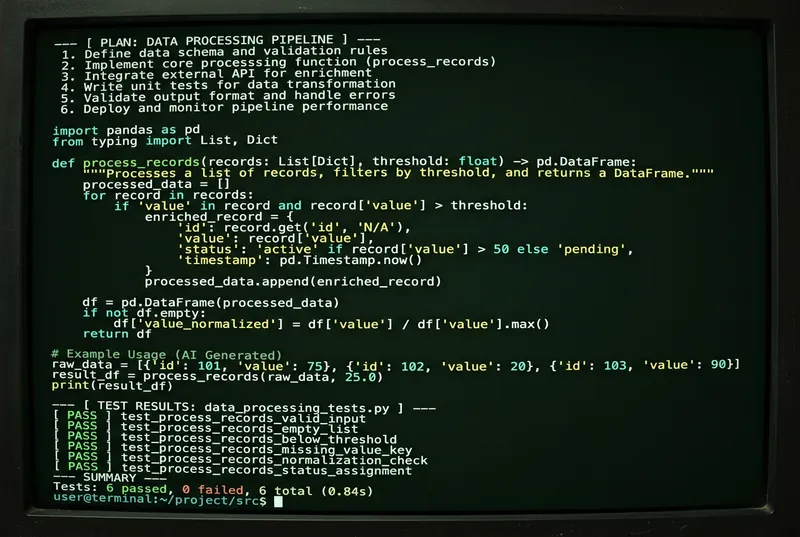
Get the full Claude Code workflow — task writing, iteration patterns, and safety checklists — inside AI School.
Want the full course?
Claude Code: Your AI Terminal Co-Pilot
Get the full Claude Code workflow — task writing, iteration patterns, and safety checklists — inside AI School.
Download on the App Store
 Cursor