Turn Your Figma Design into a React App in Minutes
The gap between design and code no longer requires a handoff. With v0 and Cursor, you can paste a Figma frame and get clean React components back — components you can iterate on and deploy yourself.
 Figma
Figma v0
v0 Cursordevelopersfounders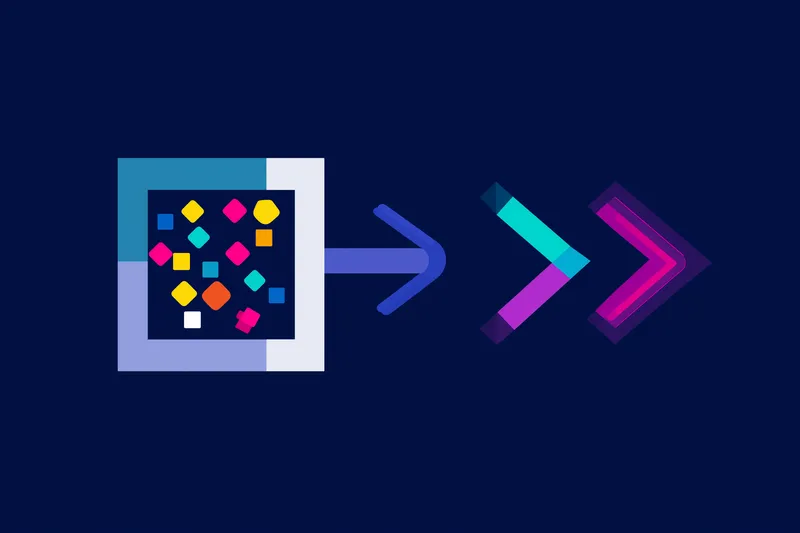
Try this starter prompt
Copy and paste this into ChatGPT or Claude with your details filled in. It's a simplified version — the full prompt chain is in the app.
You are a senior React developer reviewing a design-to-code handoff.

Component I'm building: [DESCRIBE THE UI COMPONENT — e.g. "a pricing table with 3 tiers"]
Design constraints: [KEY VISUAL RULES — e.g. "uses Tailwind, mobile-first, brand color is #14B8A6"]
Interaction: [ANY BEHAVIOR — e.g. "highlight the middle tier as 'most popular'"]

Give me:
1. A clean React + Tailwind component scaffold for this UI
2. The 3 most likely accessibility issues to fix
3. A one-line prompt to paste into v0 to generate a working first draft

→ Get the full Figma → v0 → Cursor deployment workflow in AI School
How it works
- 1
Export your Figma frame and write a plain-English description of the component
- 2
Paste into v0 to generate a React + Tailwind first draft
- 3
Open the output in Cursor and refine with AI-assisted edits
- 4
Deploy the component to your live project via Vercel in one command
What you'll build in the app
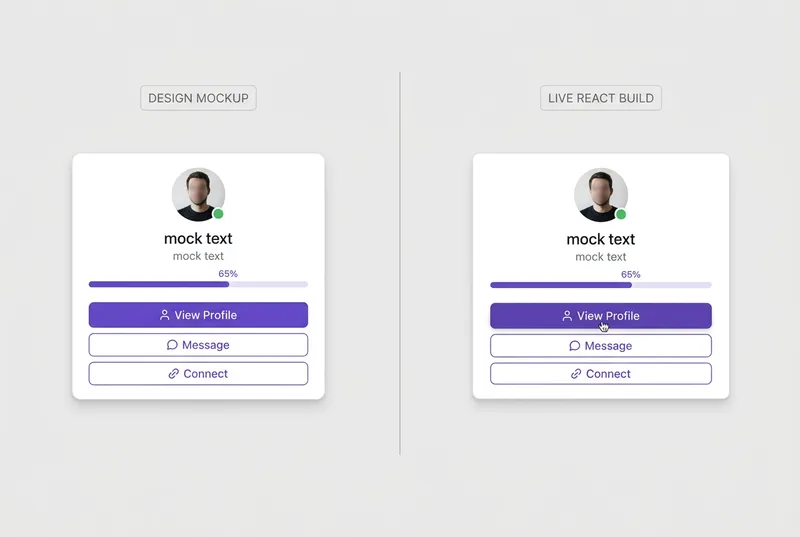
Get the full Figma-to-React pipeline — frame extraction, v0 prompts, Cursor refinement, and deployment scripts — inside AI School.
Want the full course?
Turn Your Figma Design into a React App in Minutes
Get the full Figma-to-React pipeline — frame extraction, v0 prompts, Cursor refinement, and deployment scripts — inside AI School.
Download on the App Store
 Vercel
 Lovable
 Bolt
Bolt ChatGPT