Get Expert-Level AI Responses by Assigning the Right Role
Asking AI a question gets you a generic answer. Asking AI as a specific expert with years of experience in a specific context gets you an entirely different — and far more useful — response. Role prompting is the simplest technique to immediately improve your AI results.
 ChatGPT
 Claudefoundersmarketersfreelancers
Try this starter prompt
Copy and paste this into ChatGPT or Claude with your details filled in. It's a simplified version — the full prompt chain is in the app.
Transform this generic prompt into a role-based expert prompt.

My current prompt: [PASTE YOUR EXISTING PROMPT]
What expertise I actually need: [e.g. "someone who's led B2B marketing at a startup for 5+ years"]
The specific context: [RELEVANT SITUATION or INDUSTRY]

Rewrite my prompt with:
1. A specific, credible expert persona (not just "You are an expert in X")
2. The relevant experience and context the expert brings
3. Their particular way of thinking about this problem
4. The original question framed from that expert's point of view

Show both versions so I can see the difference.

→ Get the full role prompting library with 20 expert personas in AI School
How it works
- 1
Identify the type of expert whose advice would most help your situation
- 2
Write a specific persona description — not "expert," but "10-year CMO at a D2C brand"
- 3
Add the expert's specific context and how they approach this type of problem
- 4
Compare outputs with and without the role to calibrate the difference
What you'll build in the app
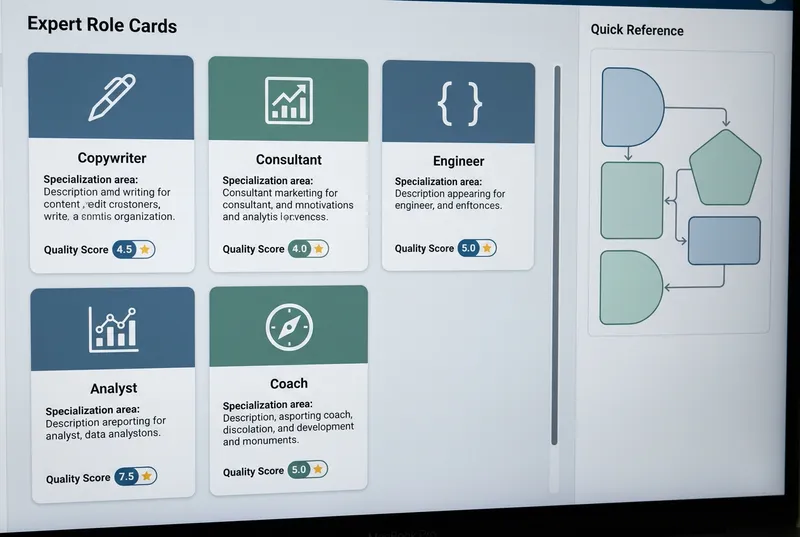
Get the full role prompting library — 20 expert personas for 6 job functions — inside AI School.
Want the full course?
Get Expert-Level AI Responses by Assigning the Right Role
Get the full role prompting library — 20 expert personas for 6 job functions — inside AI School.
Download on the App Store